For the last couple of years, I have been presenting at workshops and conferences, talking to high school music teacher about how to teach music using electronic music-making devices and Digital Audio Workstations.
Many teachers ask me for the resources I use so I thought I should put together a series of posts that cover many of the things that I talk about, and provide direct links to the online resources that I reference.
This does not aim to be a definitive or exhaustive account—rather, consider this a compilation of PD events and presentations that I ran between 2021 and 2024…. a curation of material that I put together in a way that hopefully provides a useful learning sequence to help frame and explain some of these music-making concepts to students.
Understanding Sequencing
Sequencing is at the heart of making music using electronic tools. Digital Audio Workstations (or DAWs) rely on sequencers (like the Piano Roll) to send note information to instruments.
If you are not familiar with how to read a piano roll, it is essentially a Piano on its side… (turn your head sideways to see the piano keys!) the length and pitch of the notes are represented by the coloured blocks.
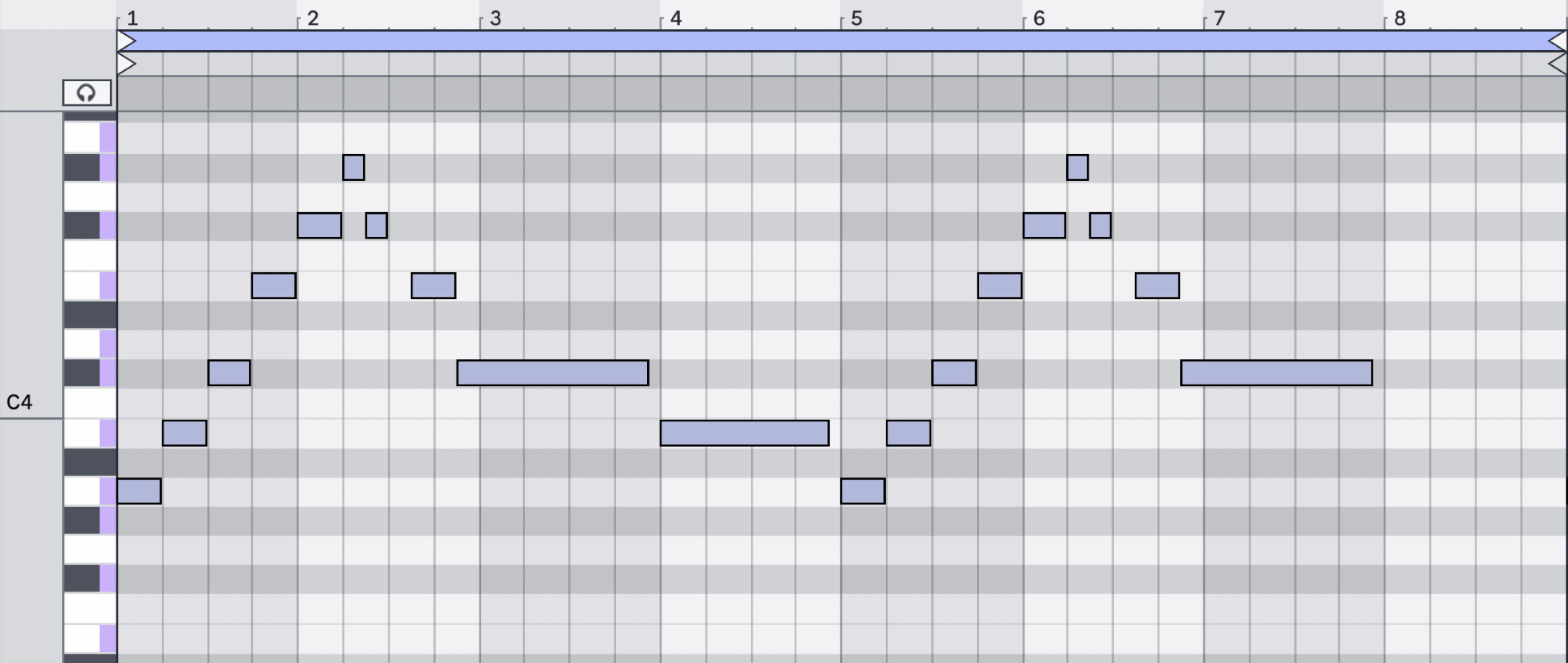
There is a history behind this representation of music – look at old ‘Piano rolls’ of player pianos, noting the similarity both visually and functionally.

In this example, the notes are sequenced by the holes punched into the roll, and the speed at which they are played is determined by how fast the crank is turned by the player mechanism.
A MIDI clip in Ableton Live essentially mirrors this functionality – the MIDI notes telling which note to play, and the playback speed determined by the global BPM.
One thing worth clarifying with students is that when you make a sequence, you can easily swap out the instrument playing – (unlike the player piano!) The MIDI note information remains, but the instrument playing the notes changes as you wish.
It’s worth mentioning here that DAWs like Ableton Live don’t only send Note information – there is a huge range of other types of MIDI Control Change messages and parameter automation messages that can also be sequenced within a MIDI Clip.
The Influence of the Step Sequencer
MIDI clips in Ableton Live also take homage to some extent from the historical legacy of other electronic music-making machines – in particular it’s worth pointing out the classic TR-style ‘step-sequencer’ drum machines of the 1980s like the Roland 808 and 909.
The way drum machines were programmed was not to play entire songs like the player piano rolls, but rather, shorter rhythmic patterns were created, and then those patterns were chained together in different orders to create the whole song.
Within a classic Step Sequencer, each ‘step’ of the sequence is represented by one of the 16 buttons at the bottom of the machine.
Take a look at Jeff Mills rocking sequencing a 909 Live, where he’s playing back and programming sequences whilst manipulating the tone and timbre of each drum sound to create an ever-evolving pattern-based performance.
This legacy idea of a 16-step sequence for a single bar pattern that repeats/loops continues to this day with many hardware drum machines, groove boxes and DAWs. The 16-step sequencer interface is found in many different types of electronic music-making devices and has greatly influenced the way of creating and performing electronic music.
Many modern hardware devices include Step sequencers and expand on this legacy, Ableton Move and Ableton Push
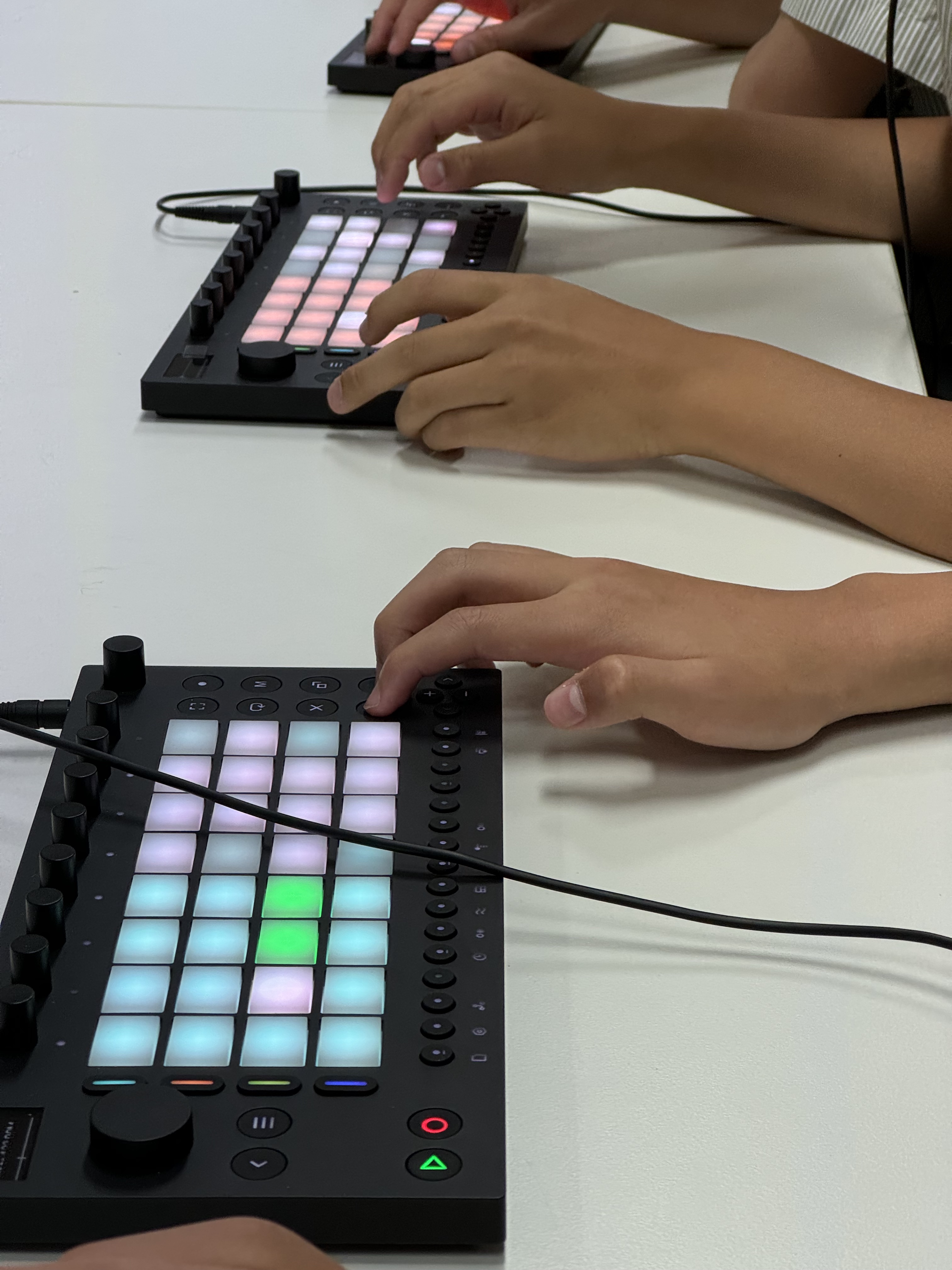
Teenage Engineering Pocket Operators, OP-Z and OP-XY synths also greatly expand on the legacy of the step-sequencer for their workflow.

Teaching resources for the classroom
Several great free online resources will support you to start teaching MIDI sequencing.
Roland’s D50Studio Website – lets you sequence with emulations of their classic groove boxes.
Ableton’s Learning Music Playground is a fantastic starting point for students to start sequencing within a Piano Roll. You can create a series of sequences (Drums, Bass, Chords and Melody) that play together. A bonus here is that you can export an Ableton Live Project file directly from the website, and continue working more deeply in the DAW.
If you are interested in exploring a classroom resource I created around this – download my ‘Arcade -Learning Music Website Extension’ activity and corresponding Ableton Live Set.
 Matt Ridgway
Leave a comment